

This guide is for anyone who received an Aura activation or coupon code at an event and needs to add the credits to their account. You will need to be an organization owner or admin to redeem it.
Sign up at console.neo4j.io first. You may also use the credentials you use for GraphAcademy.
Complete your account setup
If this is your first time in Aura, the console asks you to finish setting up your account before you can continue. Sign in at console.neo4j.io and answer the prompts:
- Enter your name.
- Choose your goal.
- Choose your job role.
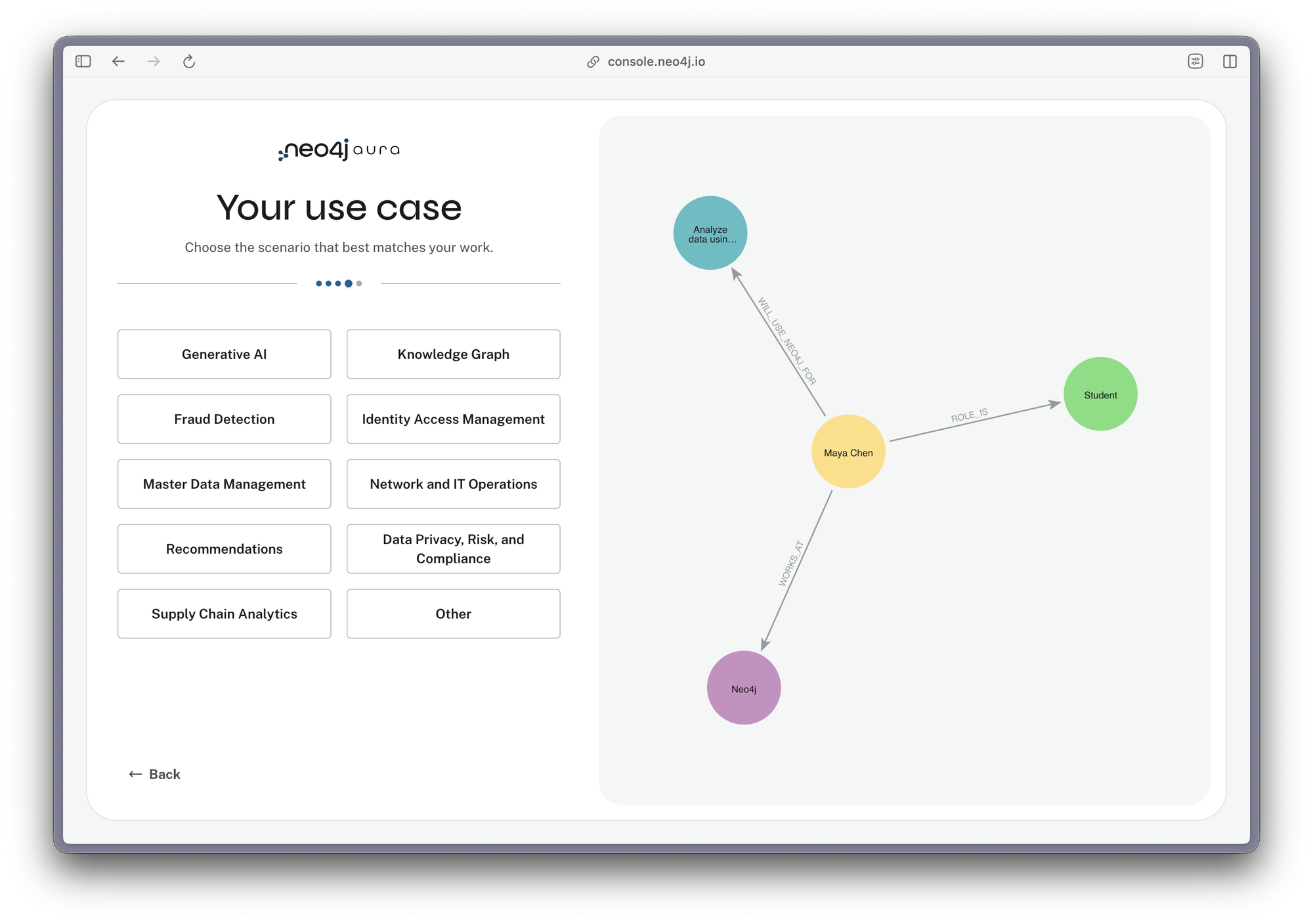
- Under Your use case, choose the scenario that best matches your work. Select Other if none fit.
Skip this section if you already have an Aura account.
Open the billing page
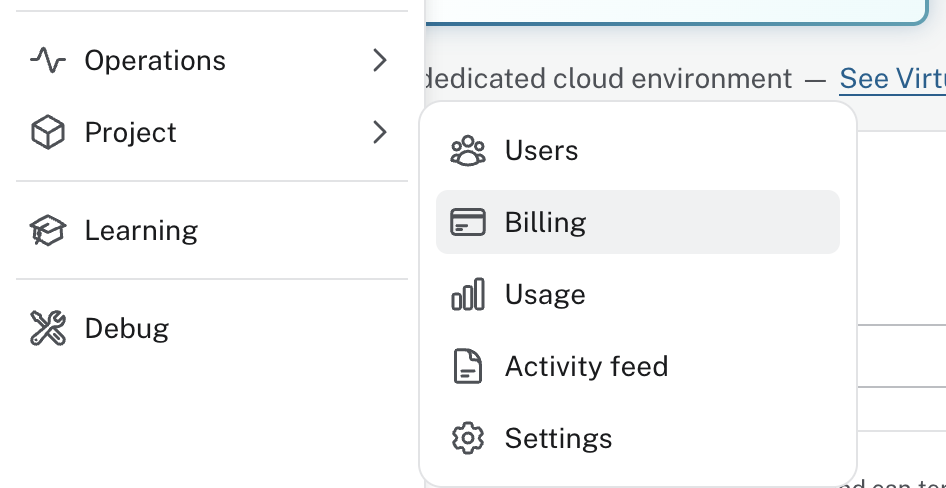
From the main navigation, select Project, then Billing.
Select Redeem credits
Under Credit status, select Redeem credits.

If you cannot see the button, check that you are signed in to the right organization and that you are an owner or admin of it.
Enter your code
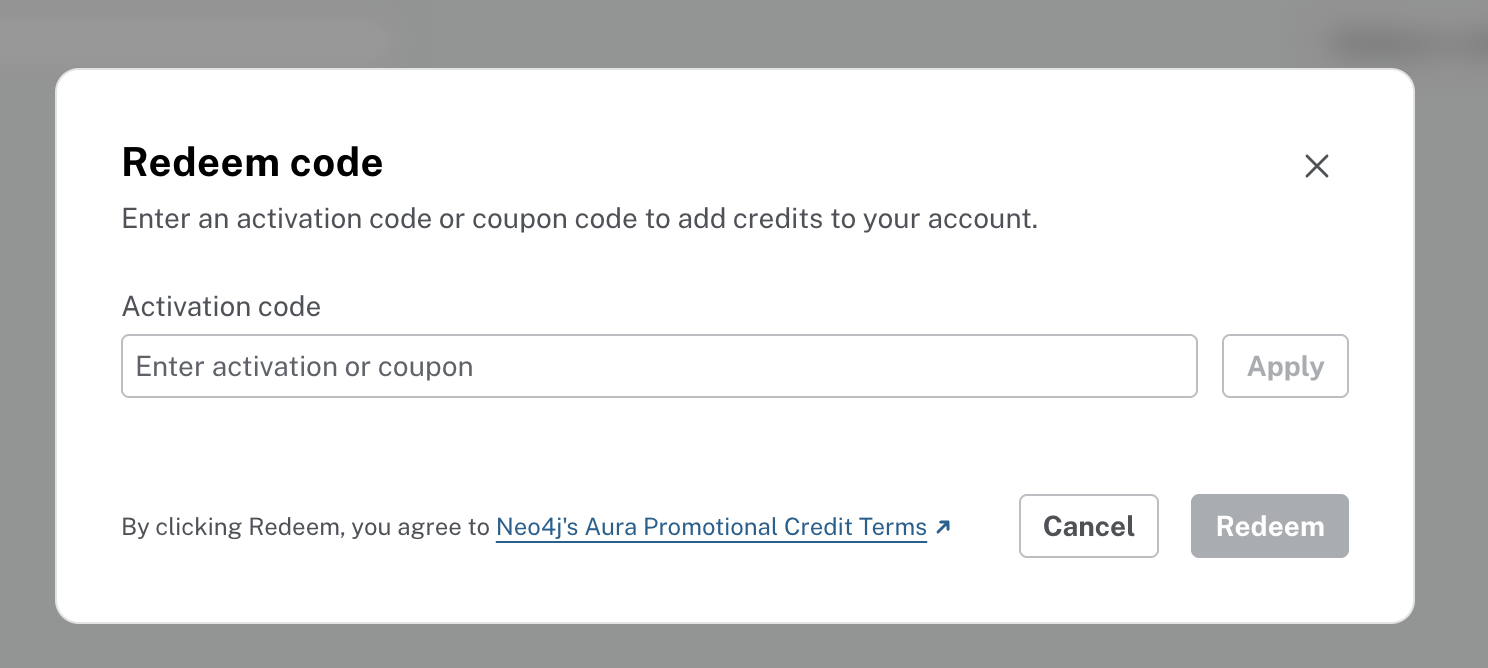
The Redeem code dialog opens. Enter the code you were given in the Activation code field and select Apply.
Choose a billing account and redeem
Once the code is accepted, the dialog shows how many ACUs the code adds and when the credits expire. Check the expiry date now. Credits that are not used by then are forfeited.
Use the Billing account list to choose the account the credits should apply to, then select Redeem.
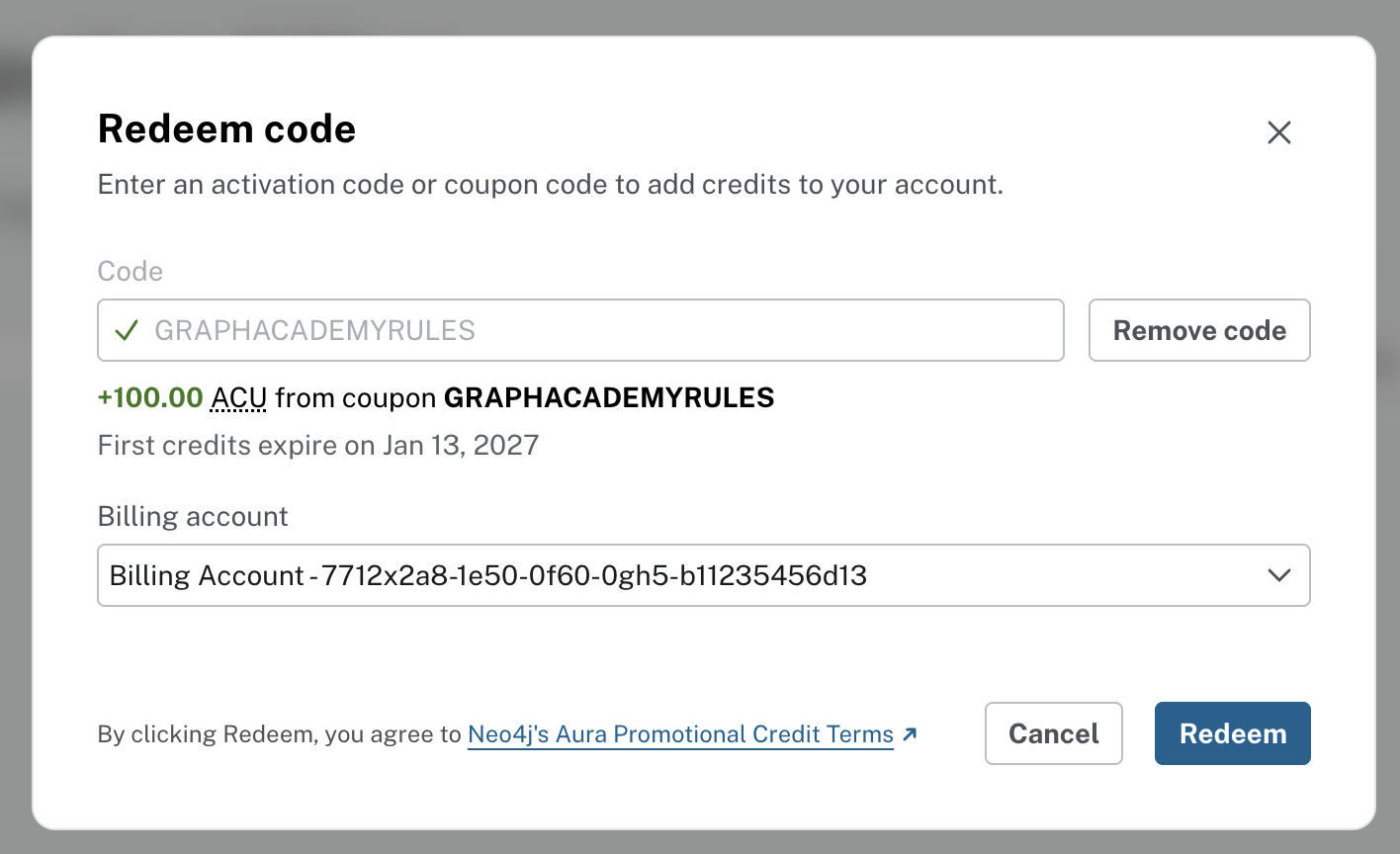
By selecting Redeem, you agree to Neo4j's Aura Promotional Credit Terms. The credits are added to your account straight away.
What the credits cover
Credits are measured in Aura Consumption Units (ACUs) and offset your Aura usage bill. All Aura resources are priced in ACUs, so the credits apply to your usage across Aura rather than to a single product.
A few rules from the terms to keep in mind:
- Each code can be redeemed once, to a single organization.
- Credits do not cover taxes, have no cash value and cannot be transferred.
- Usage before the credits start is not covered.
- Once the credits run out, remaining usage is charged to your payment method.
Learn what you can build
Credits are only useful if you know what to spend them on. Aura Fundamentals takes you through creating and managing an instance, and the no-code learning path covers the rest of what Aura can do without writing code. Start both from console.neo4j.io.


Comments (0)
Loading comments...