In this lesson you will:
-
Create your first dashboard with AI
-
Explore the Dashboards interface
Throughout the course, you will build on the dashboard you create, take some time to explore the interface, and your dashboard.
Creating your first dashboard with AI
Dashboards includes a Create with AI feature that generates dashboards based on natural language prompts. It is a great way to get started with Dashboards and explore your data:
-
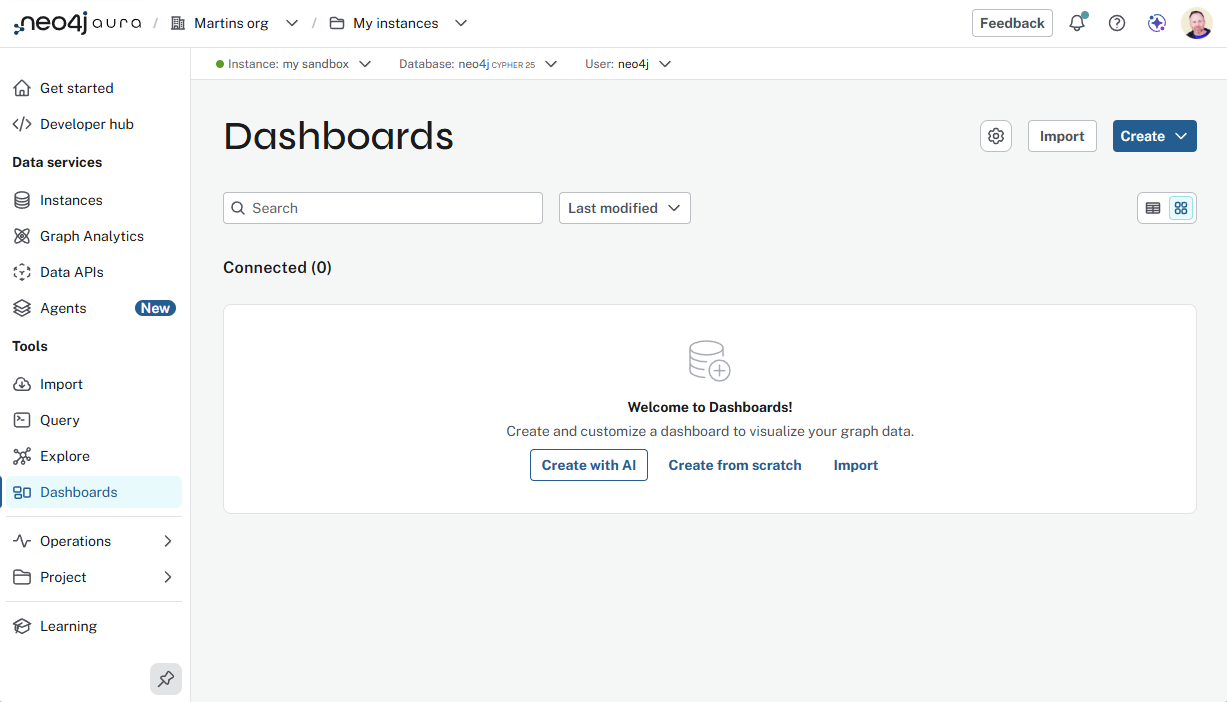
Open to Dashboards using the left menu.
-
Click Create with AI.
-
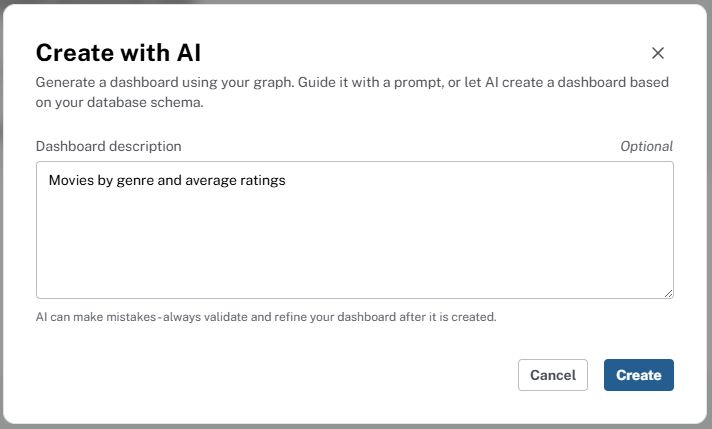
Enter a dashboard description stating what you want to see, such as Movies by genre and average ratings or Comedy movies and their ratings.
-
Click Create - the dashboard will take a little while to generate.
Take time to explore the different cards and visualizations before continuing to the next lesson.
Create with AI in Aura
The Create with AI feature is only available in the Neo4j Aura Console, and not available in Neo4j Desktop.
Create from Scratch
You can also create a dashboard from scratch, without AI. This is a good option if you have a specific dashboard design in mind, or if you want to build your dashboard iteratively, adding cards one at a time.
Check your understanding
Requirements for creating dashboards
You want to build a dashboard that shows movie ratings and genre popularity (for example, using the Movies sample graph). What must you have in place before you can build it?
-
❏ You must upgrade to Business Critical tier
-
❏ You need a separate instance for each dashboard
-
✓ You need graph data in your Neo4j instance
-
❏ You must write Cypher queries before creating any cards
Hint
Dashboards read data from your Neo4j instance. Load graph data first — for this course, use the Backup & Restore steps in Load the Movies recommendations dataset, or connect to an instance that already has your graph.
Solution
You need graph data in your Neo4j instance.
Dashboards query whatever is stored in the instance. For the movie-ratings scenario, follow Load the Movies recommendations dataset, or use your own graph if it already models ratings and genres.
Summary
You got a first dashboard running with AI and explored the interface. Next module: map the model to questions, then add cards with AI and Cypher and tidy the layout.